
Seedance 2.0
Create from text, images, video, and audio references with controllable motion, framing, character, and sound.
 Seedream Pro
Create cinematic video from text, images, or an existing clip using production-ready AI models.
आपका पहला AI वीडियो मुफ़्त है
1 AI वीडियो मुफ़्त बनाने के लिए Google से जारी रखें — कार्ड की आवश्यकता नहीं।
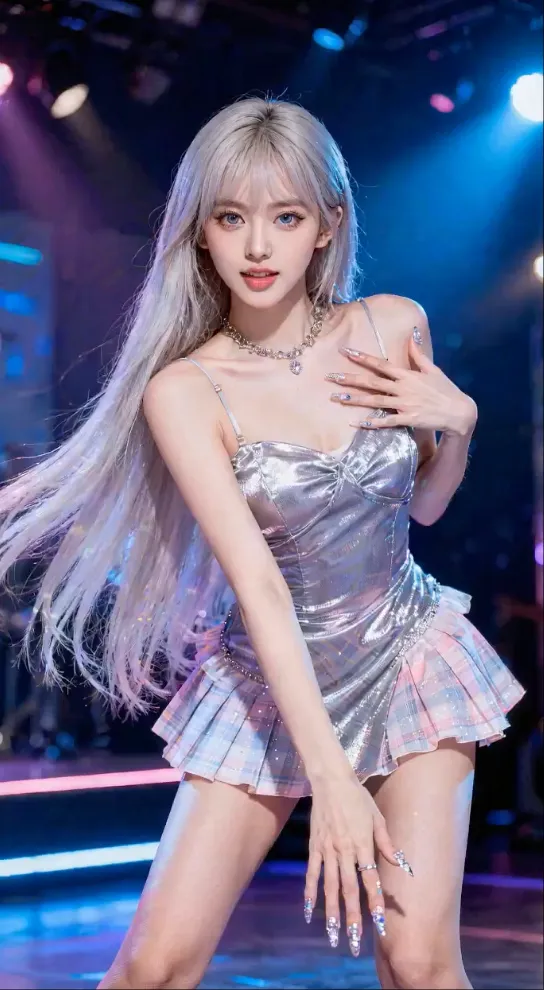
No Videos Generated
Compare generation modes by input type, reference control, motion quality, and audio support—then select the model inside the studio.
Create from text, images, video, and audio references with controllable motion, framing, character, and sound.
Google's leading video model supports text-to-video, image-to-video, strong prompt alignment, and generated audio.
Designed for controllable, physically coherent video with synchronized dialogue and sound effects on supported workflows.
Additional options for video-to-video editing and animating a still image through provider-specific modes.
Model availability, duration, resolution, audio, and reference inputs vary by provider.
The generator offers provider-dependent access to Seedance 2.0, Veo 3.1, Sora 2, Wan Pro, and Kling Video O1.
Yes. Select image-to-video, upload your starting image, and describe the subject motion, camera movement, pacing, and desired atmosphere.
Describe the shot, subject, action, environment, camera movement, lighting, timing, and audio. For image-to-video, focus primarily on motion and camera behavior.