
Seedream 5 Pro
Seedream 5 Pro AI image generation for high-detail text-to-image and reference-based editing.
Explore Seedream 5 Pro → Seedream
Type @ to reference uploaded images, videos, or audio.
Generate multiple videos with the same settings, up to 10.
Choose a model for the job: high-fidelity image generation, reference-based editing, cinematic motion, or synchronized audio.
Seedream 5 Pro AI image generation for high-detail text-to-image and reference-based editing.
Explore Seedream 5 Pro →Nano Banana Pro AI image generation for precise text, multi-image composition, and controlled edits.
Explore Nano Banana Pro →Seedance 2.5 AI video generation with multimodal references, editing, extension, and 30-second output.
Explore Seedance 2.5 →MiniMax H3 AI video generation in 2K with multimodal references and native stereo audio.
Explore MiniMax H3 →Veo 3.1 AI video generation from text or images with audio support.
Explore Veo 3.1 →Sora 2 AI video generation with prompt-driven motion, visual realism, and synchronized sound.
Explore Sora 2 →Model availability and output options depend on the selected provider and generation mode.
Explore visual examples that demonstrate multimodal creative workflows.
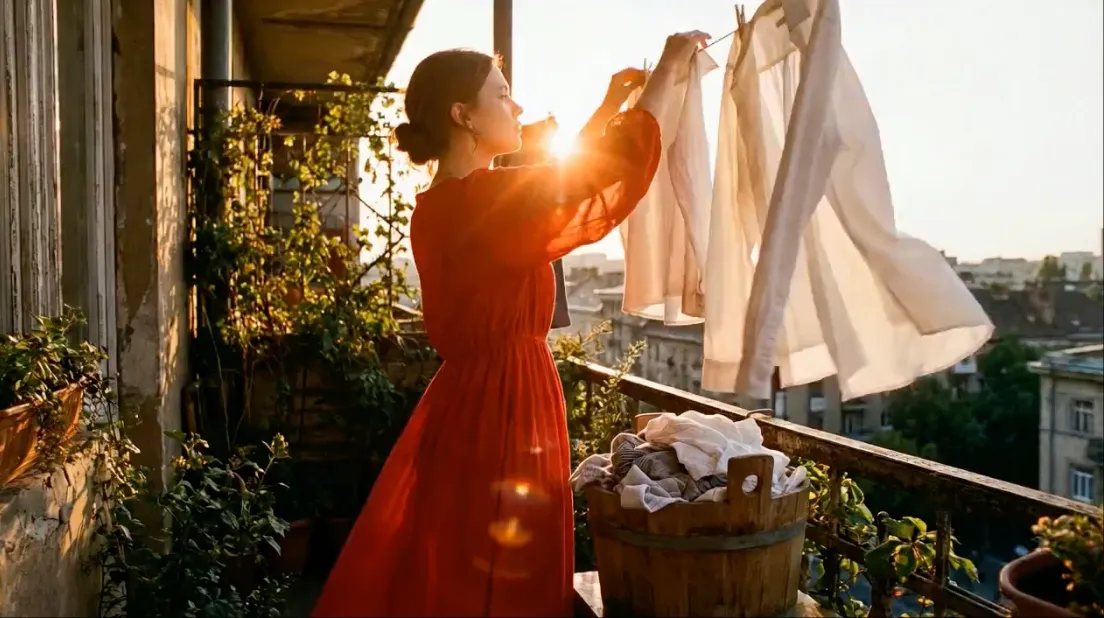
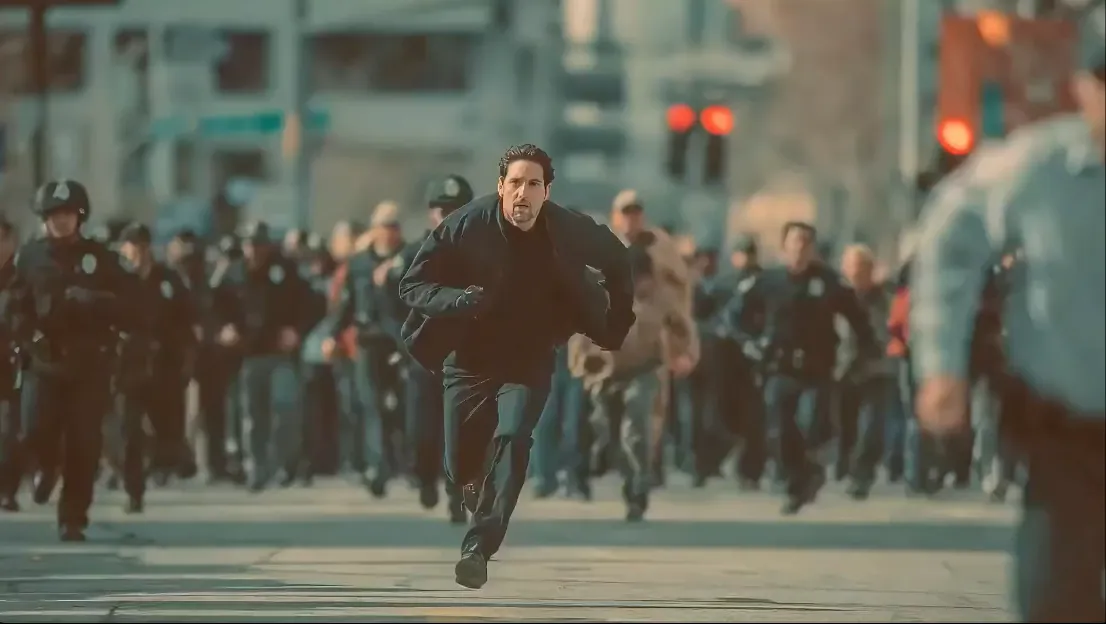
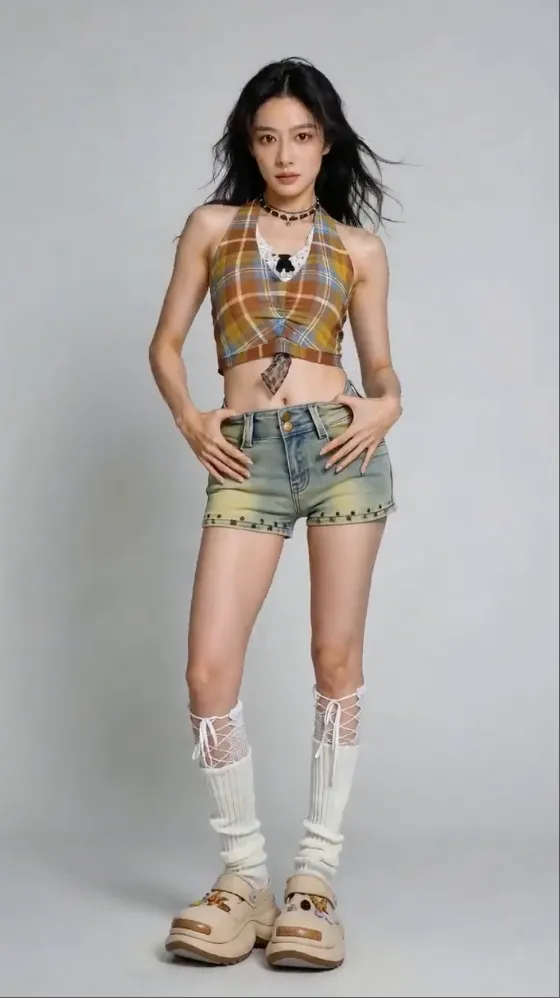
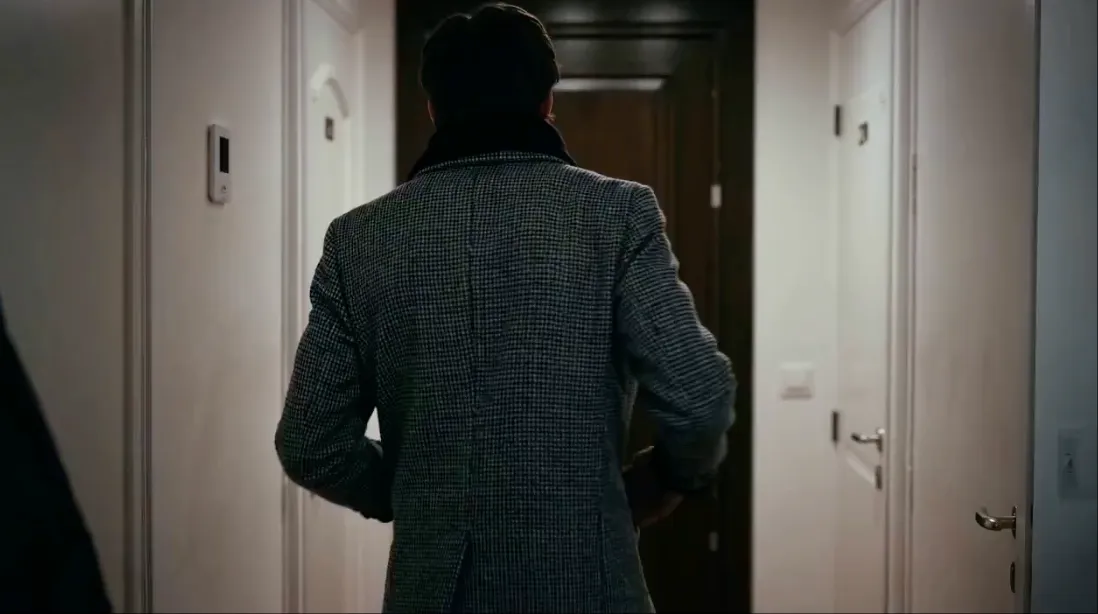
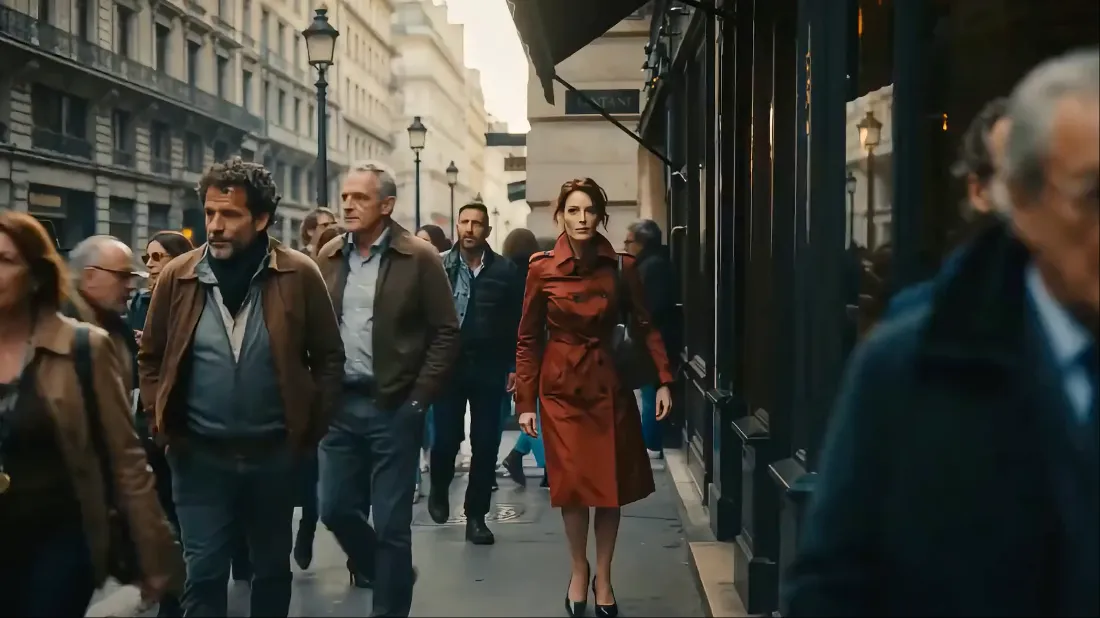
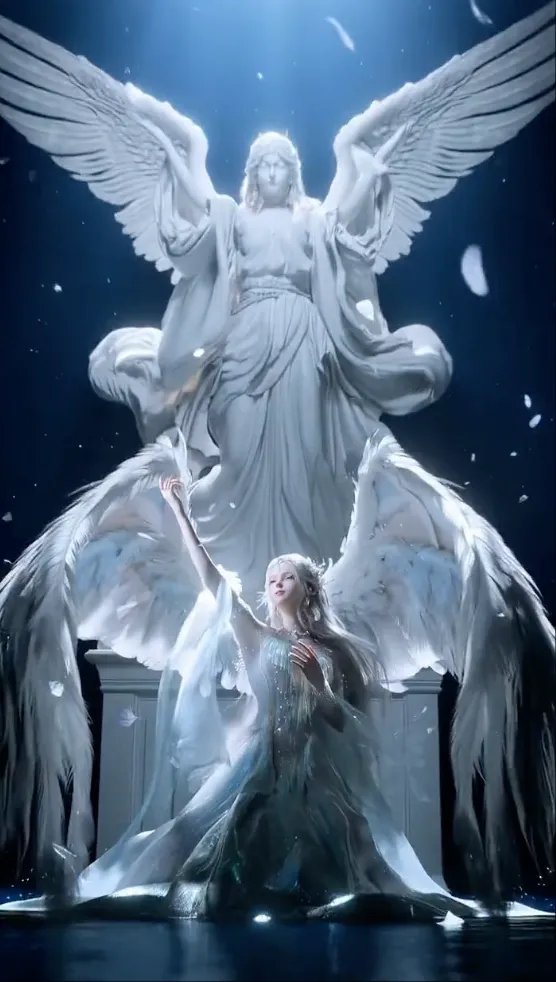
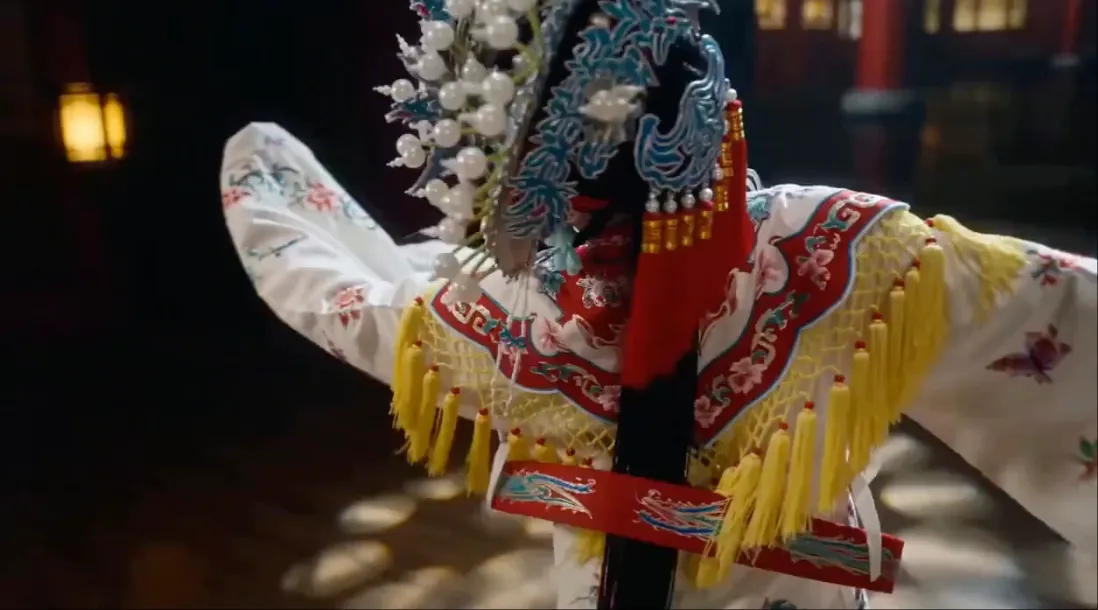
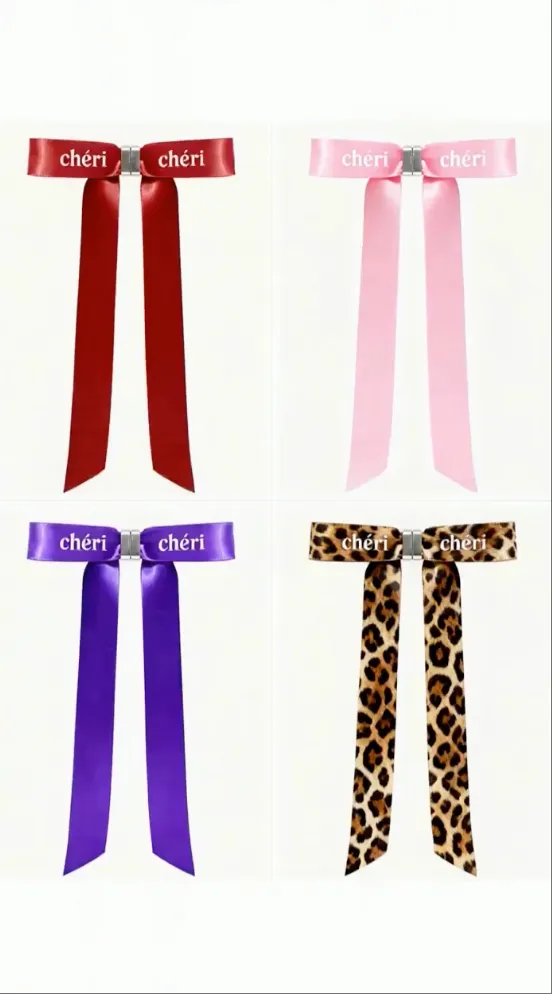
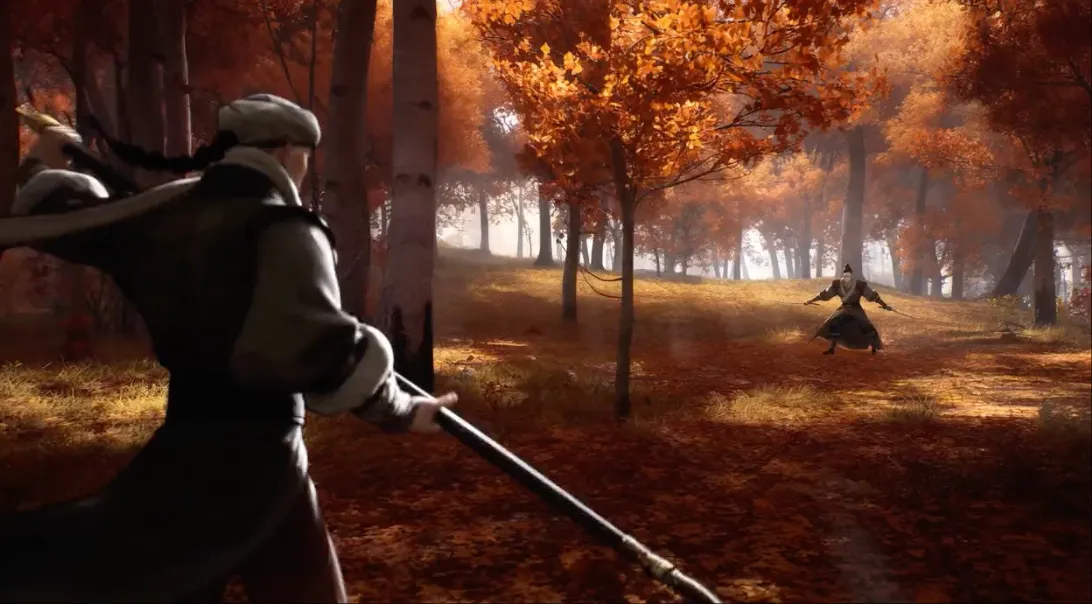
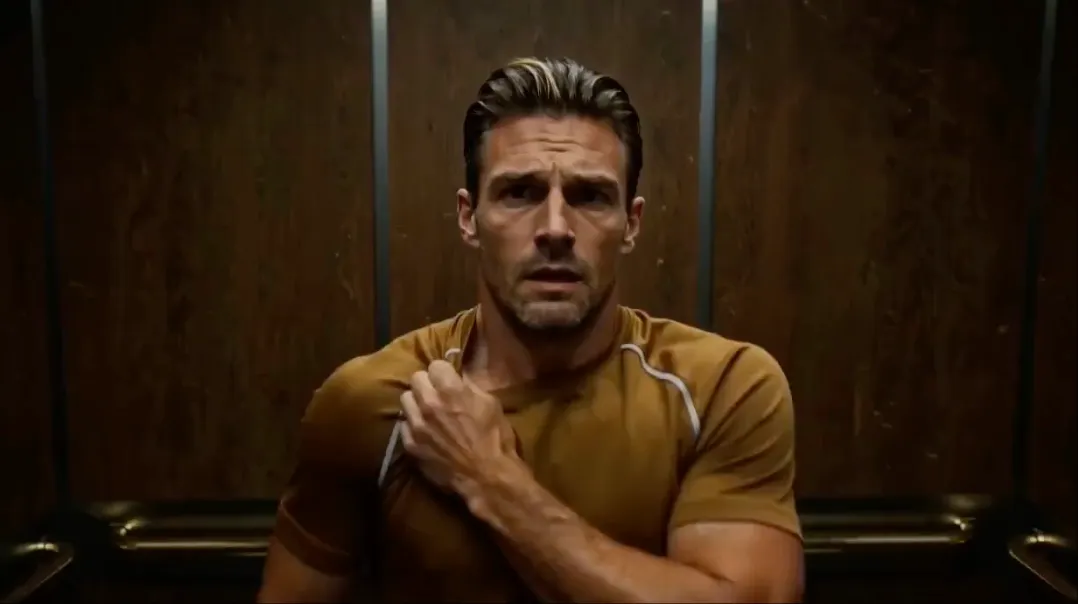
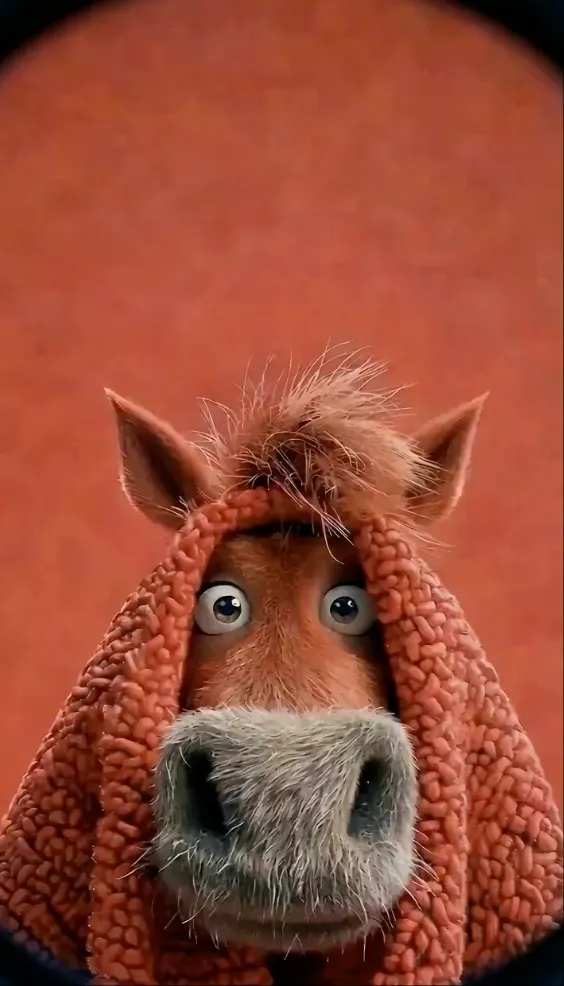
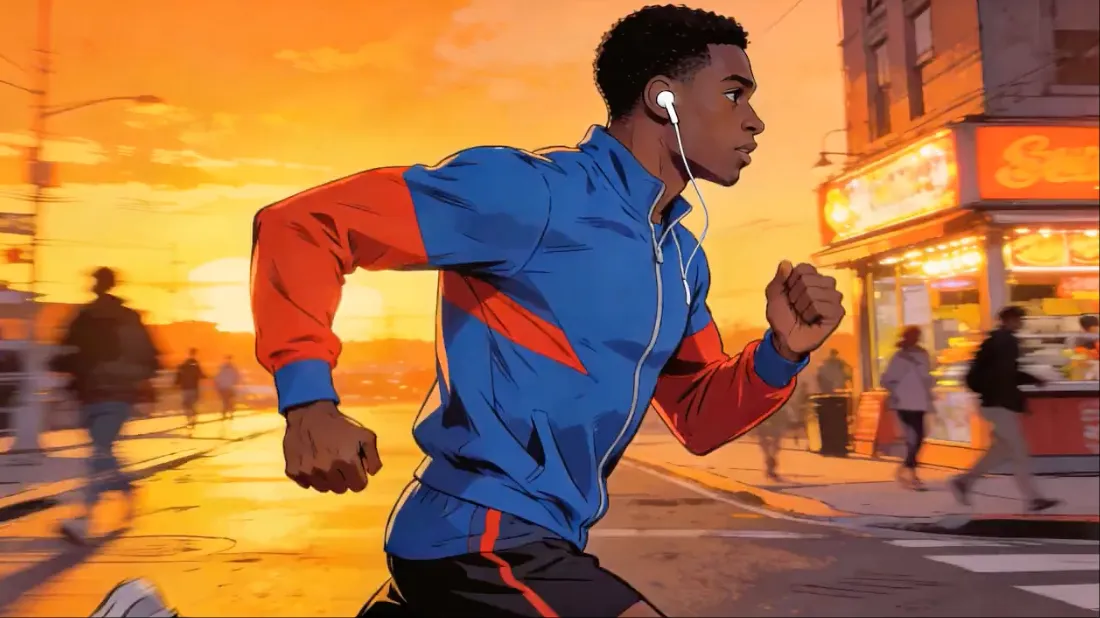

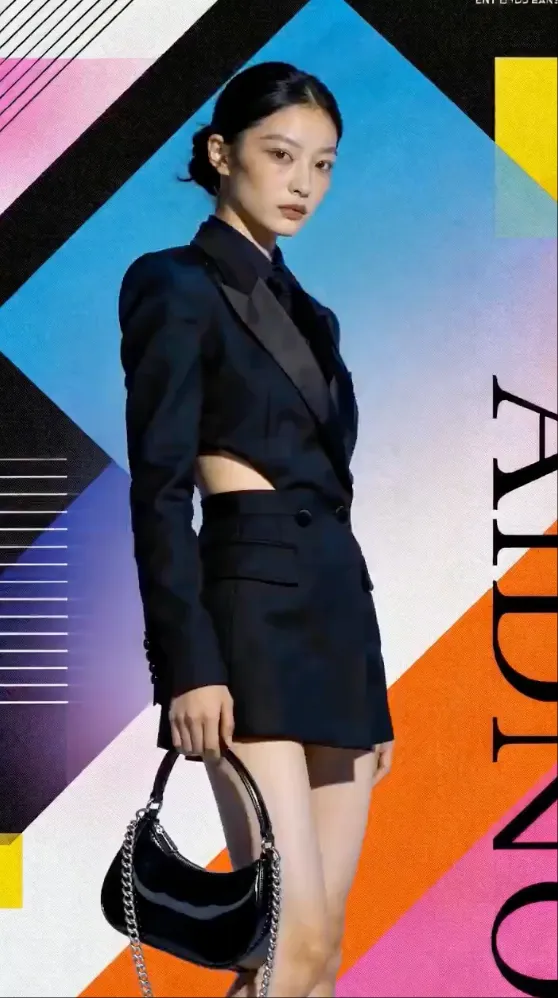
Choose compatible models for multimodal references, controlled motion, editing, and generated audio.
Use up to 30 images, 10 videos, and 10 audio clips with Seedance 2.5. Combine text and media in one generation.
Reference motion, effects, camera movements, characters, scenes, and sounds from any uploaded content using natural language.
Maintain perfect consistency for faces, clothing, text, scenes, and visual styles throughout your entire video.
Upload a reference video to reproduce choreography, cinematic camera movements, and complex action sequences.
Extend videos, merge clips, replace characters, and edit specific segments while preserving everything else.
Generate context-aware sound effects and background music or sync visuals perfectly to an uploaded audio track.
From viral content to professional productions, bring every multi-modal vision to life.
Create polished, high-impact video content with reference-driven motion and consistent cinematic quality.
Create polished, high-impact video content with reference-driven motion and consistent cinematic quality.
Create polished, high-impact video content with reference-driven motion and consistent cinematic quality.
Create polished, high-impact video content with reference-driven motion and consistent cinematic quality.
Create polished, high-impact video content with reference-driven motion and consistent cinematic quality.
Create polished, high-impact video content with reference-driven motion and consistent cinematic quality.
Create polished, high-impact video content with reference-driven motion and consistent cinematic quality.
Create polished, high-impact video content with reference-driven motion and consistent cinematic quality.
Create polished, high-impact video content with reference-driven motion and consistent cinematic quality.
Upload images, videos, or audio as references. Combine different modalities to express your idea.
Use natural language to explain the motion, camera, style, and references you want to use.
Generate your video, then extend, edit, or refine it through targeted adjustments.
Save 50% per month compared with monthly billing. Annual credits are granted upfront and work across supported image and video models.
All plans include access to core generation features and watermark-free exports.
800 credits/month
1,600 credits/month
4,000 credits/month
10,000 credits/month
The studio includes image workflows for Seedream and Nano Banana Pro, plus video workflows for MiniMax H3, Seedance, Veo, Sora, Wan, and Kling models. Availability can vary by provider.
Yes. MiniMax H3 is available for 2K text-to-video, image-to-video, and multimodal reference generation with native stereo audio.
No. Seedream is an independent creative platform. Model names belong to their respective owners, and availability varies by provider.
On compatible models, you can combine images, reference videos, audio files, and a detailed natural-language prompt in one creative workflow.
Yes. Upload a reference clip and describe which movement, pacing, transition, or choreography you want to transfer into the new video.
Capabilities vary by model. Seedance 2.5 supports 4 to 30 seconds at 480p, 720p, or 1080p, while other models may offer different durations and resolutions.
Generated videos can be downloaded without a watermark and are ready for use in your creative projects.
Choose a mode, upload your references, describe your vision, select the output settings, and press Generate.
Reference anything, edit anything, and create cinematic content with natural language control.